How to Download & Install
✅ Download ISO Now → Click Here
✅ Create Bootable USB → Use Rufus
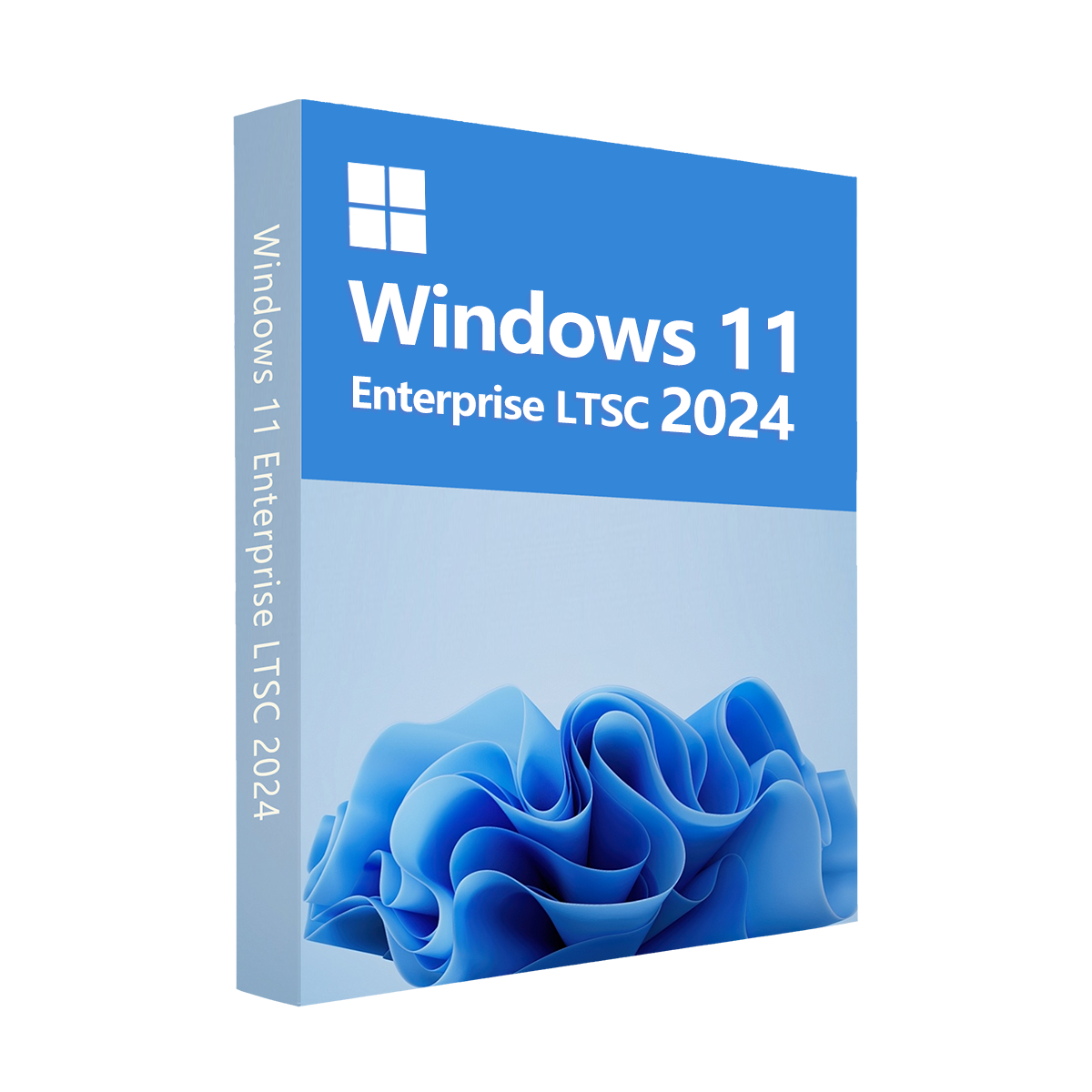
Windows 11 Enterprise LTSC (Long-Term Servicing Channel) 2024 is a specialized edition of Microsoft’s latest operating system, designed for businesses and organizations that prioritize stability, security, and long-term support. This version is tailored for fixed-purpose devices and critical systems, such as ATMs, medical equipment, and industrial applications, where consistent performance and minimal updates are essential.
Key Features:
-
Long-Term Support: Enjoy a 5-year support lifecycle, receiving only security updates and critical fixes, ensuring a stable and predictable environment without disruptive feature updates.
-
Enhanced Security: Benefit from advanced security features like Windows Defender Application Control, BitLocker encryption, and Virtualization-Based Security to protect sensitive data and systems.
-
Optimized Performance: With minimal bloat and no frequent feature updates, Windows 11 Enterprise LTSC 2024 is streamlined for maximum reliability and efficiency on a wide range of hardware.
-
Global Compatibility: The CD Key is globally valid, allowing activation on any compatible device worldwide, with support for multiple languages.
-
Cost-Effective: A one-time purchase with no recurring subscription fees, providing access to premium enterprise-grade features for a single activation.
Why Choose Windows 11 Enterprise LTSC 2024?
This edition is ideal for enterprises needing a dependable, secure, and low-maintenance operating system. It eliminates the complexity of frequent updates, ensuring compatibility with legacy applications and specialized hardware. The CD Key offers instant digital delivery, enabling quick and easy activation via Microsoft’s official installation media.
Purchase your Windows 11 Enterprise LTSC 2024 CD Key Global from trusted retailers like Whokeys for a seamless, secure, and budget-friendly way to empower your business with Microsoft’s most stable operating system yet.
1. 購買後多久會收到序號?在哪裡可以查詢?
序號會在購買後 3–5 分鐘內自動發送,請前往「我的訂單」查看並領取。
2. 如果無法啟用序號,該怎麼辦?
無法啟用序號的原因有很多,最常見的是您電腦的作業系統版本與所購買的序號類型不相容。
請先確認您使用的系統版本(如 Windows 專業版)是否符合該序號的需求。
若不符合,請聯繫我們 24 小時線上客服,我們會立即協助您更換序號。
3. 要如何申請退費或更換序號?
若您希望申請退費或更換,請聯繫我們 24 小時線上客服,並提供以下資訊:
• 訂單編號
• 相關截圖(如啟用失敗訊息、購買記錄等)
我們會盡快為您處理。
4. 退費需要多久時間?
PayPal 付款通常會立即退還;
若是銀行或信用卡付款,則依照各銀行作業時間與地區政策,約需 7–10 個工作天。
若您對退費進度有疑問,歡迎隨時聯繫我們的客服團隊。
5. 關於退換貨
請務必在購買後180天內啟動您的許可證。如果在此期間出現任何問題,可免費更換金鑰。
STEAM
UPLAY
PC
Daily Deals